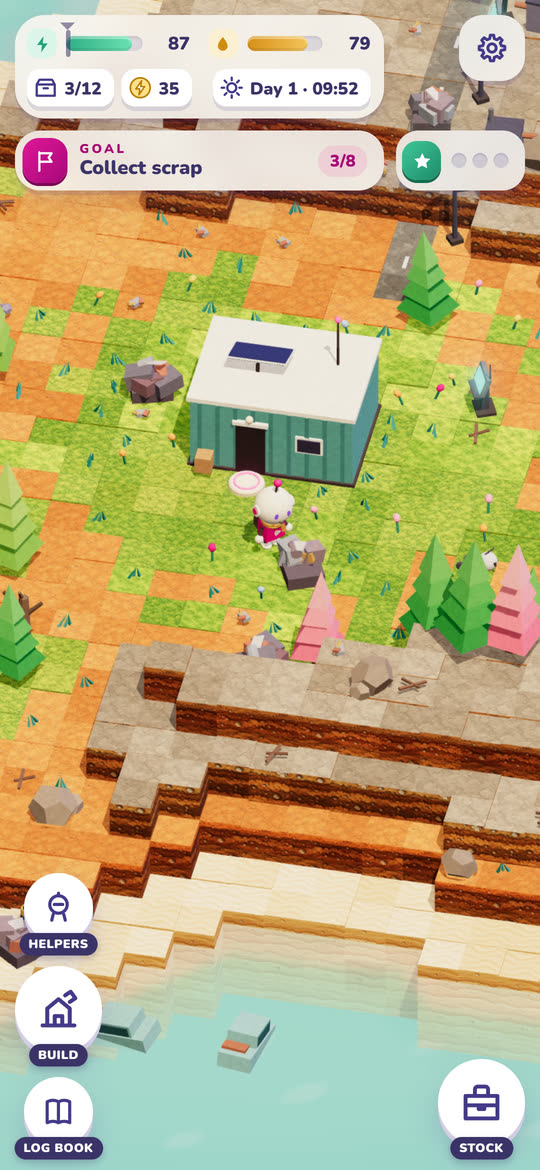
Head out
Tap where to go and the droid walks there, picking up what it passes. Walking costs power and work costs more, so watch the mark that says how much it needs to get back.


A little droid, left behind on a quiet planet. Clear the scrap, build a home, wake the helpers and turn the island green again — one battery charge at a time.

Everyone left in a hurry when the dust season came early. The droid that kept the colony's gardens was told to keep them going until the people came back. So that is what it does.
You walk it out, pick things up, press scrap into blocks and build: a solar panel, a battery, a path, a lantern, later a greenhouse and a workshop. Every trip is a question of how far the battery goes, and a mark on the meter says how much it needs to get home. Run it flat and it folds up, sleeps, and wakes at dawn with everything it was carrying.
Plant something and the ground turns green around it. The butterflies come first, then the birds. Up on the hill an old radio mast still blinks.
Free permanently, like everything else here — no advertising, no in-app purchases, no subscription.
The reel
Recorded on a phone: heading out, then one day running on into the night.
The trailer
Plays from YouTube. Nothing is loaded from Google until you press play.
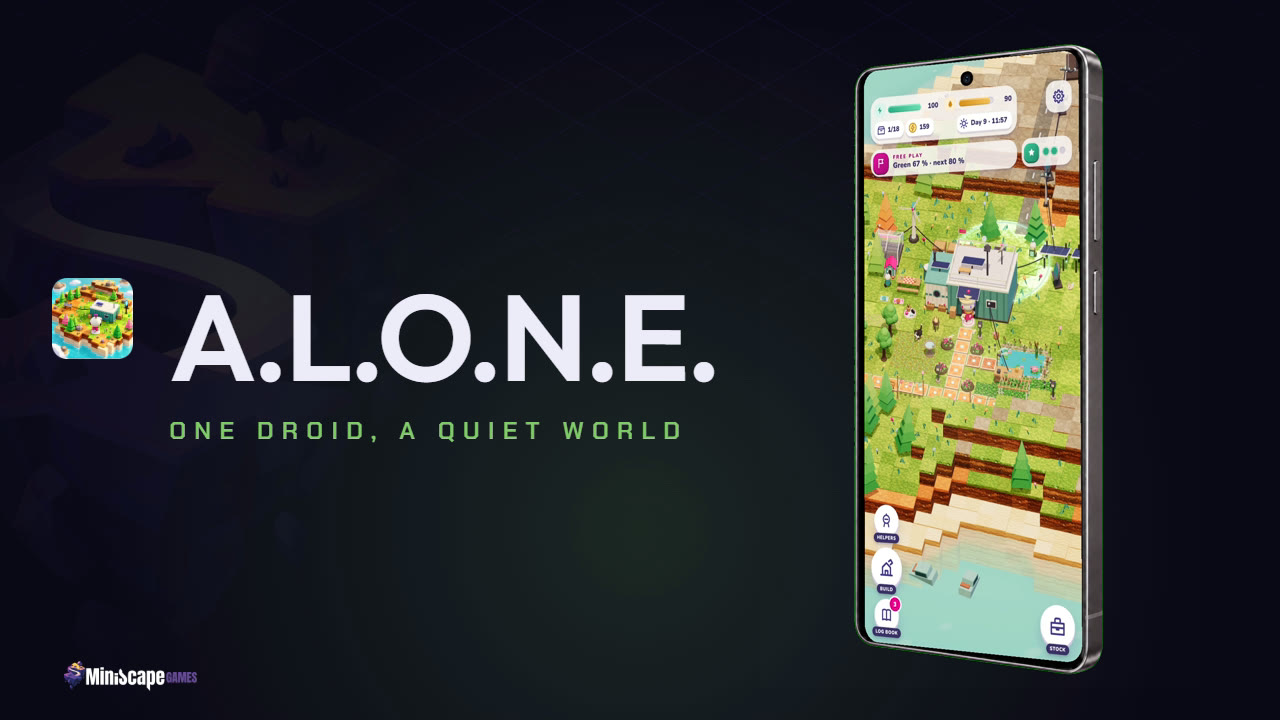 (plays from YouTube)
The story
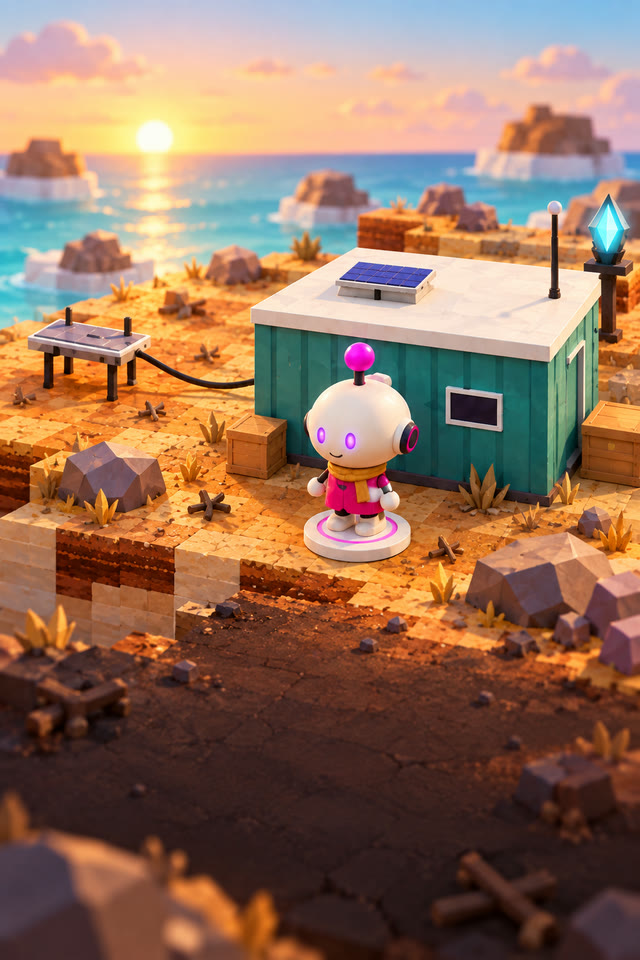
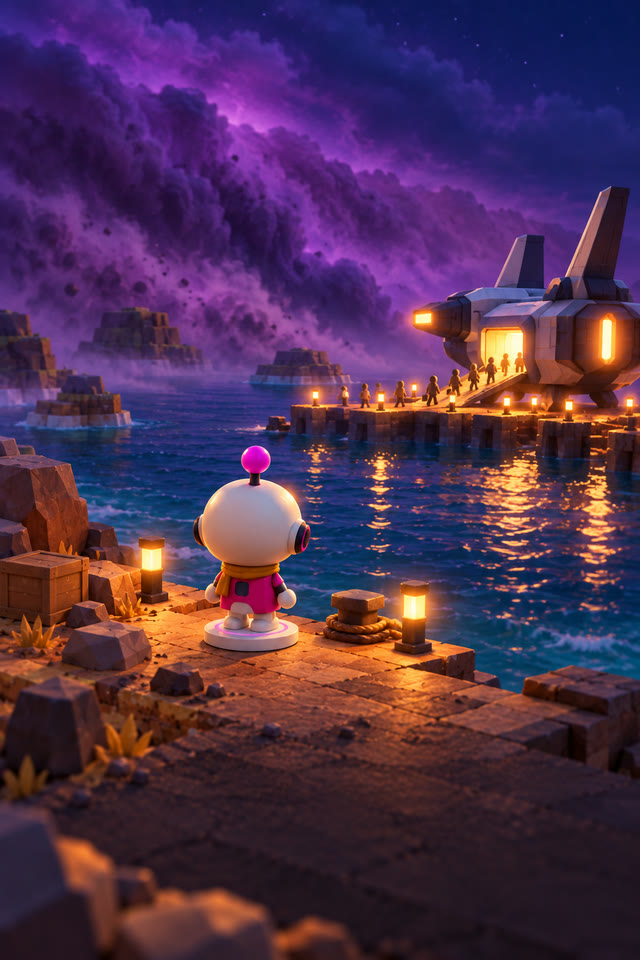
Told in pictures and in the droid's own words: old logs from the colony, calls on the radio, and scenes like these between them.
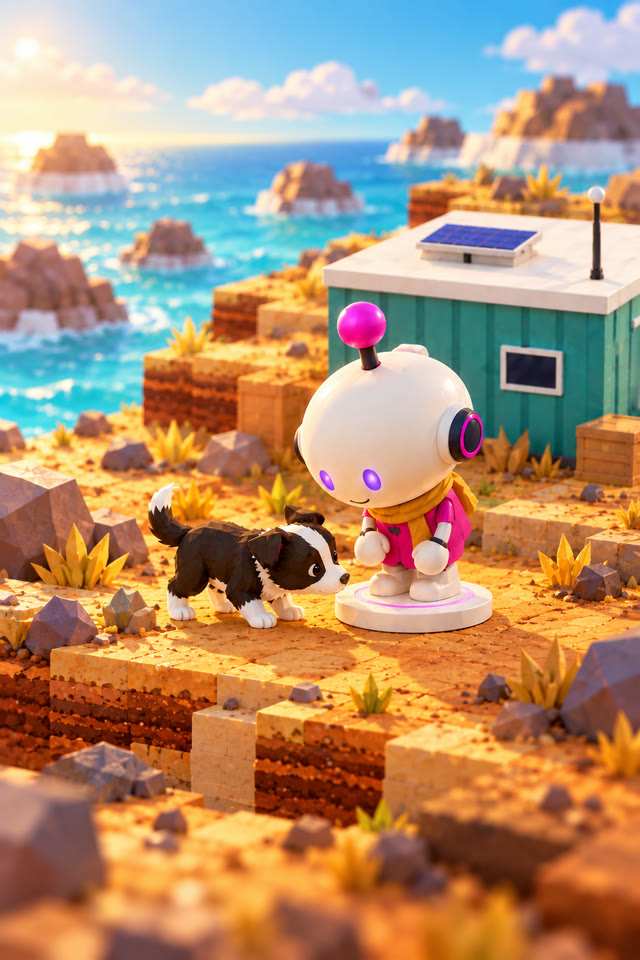
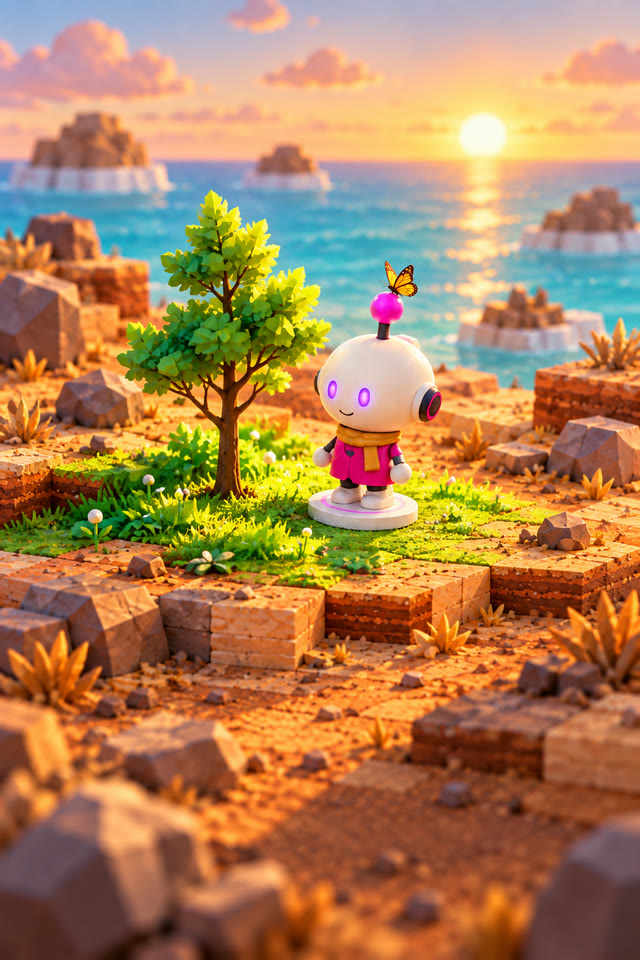
How it plays
A day lasts about ten minutes of play, and every one of them is the same small loop that keeps getting bigger.
Tap where to go and the droid walks there, picking up what it passes. Walking costs power and work costs more, so watch the mark that says how much it needs to get back.
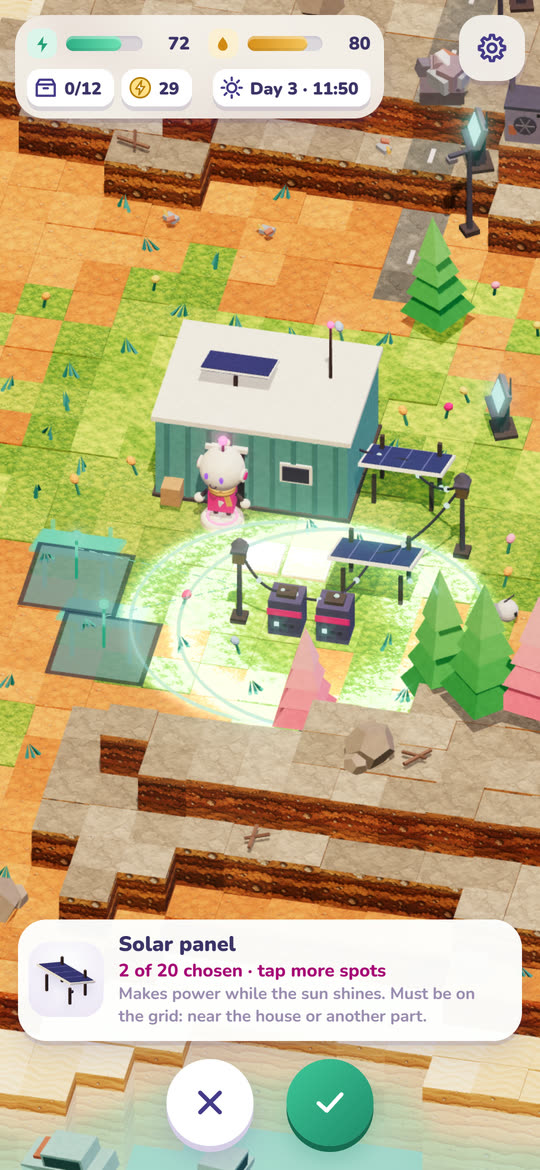
Unload, press scrap into blocks, and spend it: panels for power, batteries to keep it, paths to walk on for free, and later a greenhouse, a workshop and helpers of your own.
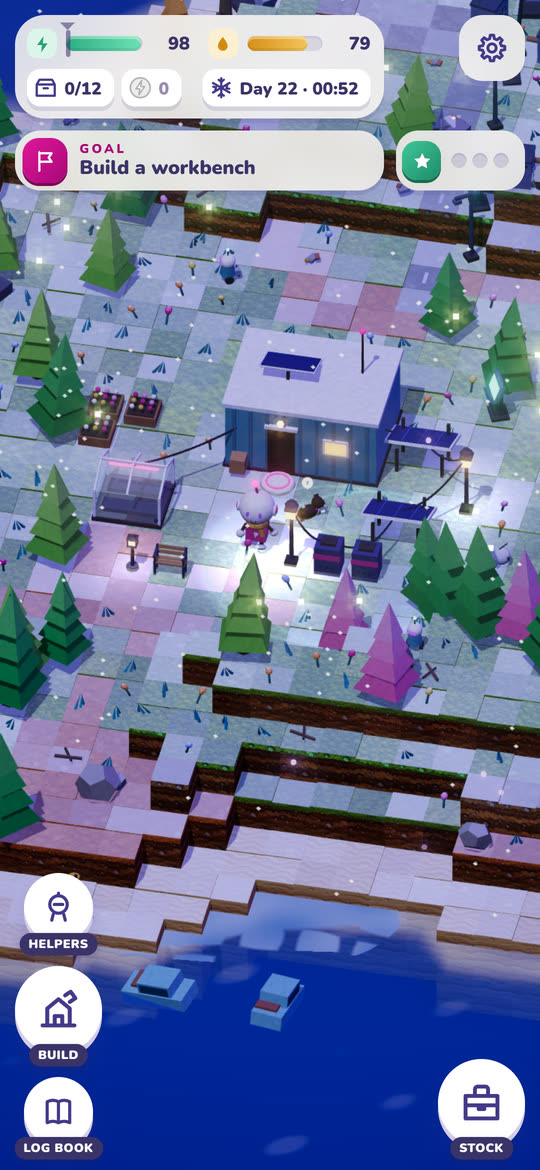
Night falls, the lanterns come on and the helpers carry on working. Sleep and the night passes; close the app and the charging keeps going until you come back.
What is in the build
The home island is far bigger than the screen, full of scrap heaps, dead trees, old cars and things the colony left behind — and every one of them is material.
Walking costs power, work costs more, and oil wears down with distance. The mark on the meter shows what it takes to get home, so how far to go is a choice, not a gamble.
Run flat and the droid folds up, sleeps and wakes at dawn with everything it carried. A mistake costs time, never progress.
Repair the colony's old helper units, later build your own, and give each a job: gathering, cleaning the panels, minding the machines.
A puppy, found among the rocks. It follows you about, sleeps in the kennel you build it and now and then digs something up.
Plant, and the ground turns green around it: butterflies, then birds, fireflies at night. Seasons and weather turn over as the days go by.
Charging, power and the helpers keep going while the app is closed, and a widget on your home screen shows how the island is doing. Coming back means a harvest rather than a countdown.
No account, no sign-in, no network call. Your island is saved in the app storage on your own phone.
Questions
On Google Play, for Android, where it is listed as Alone: Cozy Island Builder. It went live on 9 October 2026 and is published under Aivion Studios, the studio MiniScape Games belongs to. It is rated PEGI 3.
Nothing. It is free permanently, with no advertising, no in-app purchases and no subscription.
A calm build-and-tend game. You gather, build and look after a small island and the droid on it. There is no combat and no game over: the droid never breaks down, and a mistake costs time rather than progress.
No. Nothing is punished for staying away. The game's own clock only runs while you play; charging and power carry on while the app is closed, so you come back to more than you left. A widget on your home screen shows how the island is doing without opening the game.
Only if you say yes, and only for three things: a supply capsule that has landed, a helper back from the sea, and a call on the radio. It asks once, at a moment it makes sense, and they can be switched off in the menu. Between 22:00 and 08:00 nothing appears until the morning.
Yes — the same little white droid, with a cargo bed on its back this time. It is the robot the calm MiniScape games all share.
Yes. There is no account and no network call. Your island is saved in the app storage on your own phone.
The others


